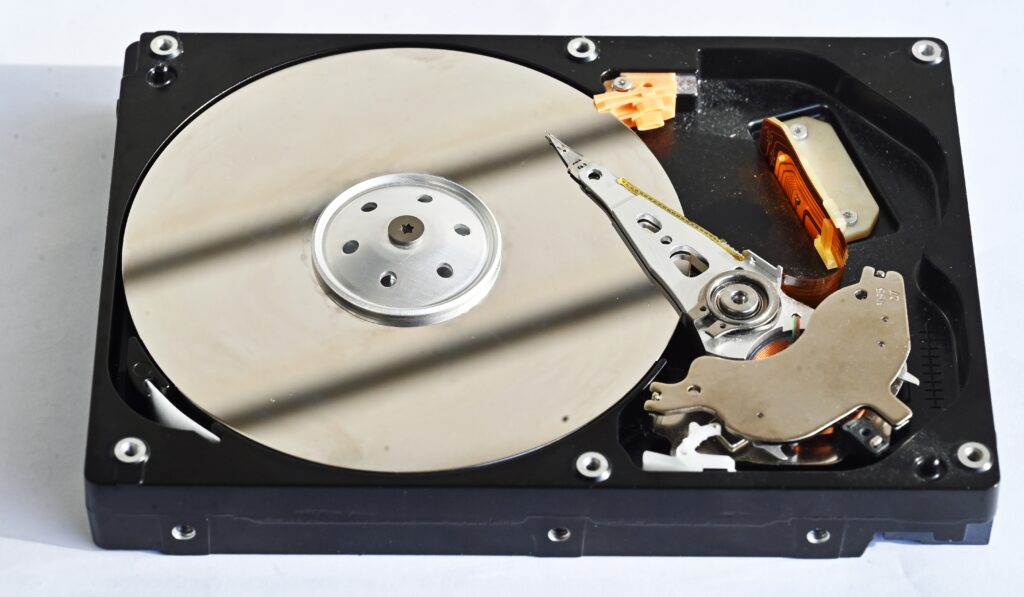

Wiping a Hard Drive on Windows (Command Prompt)
This method completely overwrites every sector on the drive, making data recovery virtually impossible.
Open Command Prompt as Admin: Right-click the Windows icon and select Command Prompt (Admin) or Windows PowerShell (Admin).
Launch Diskpart: Type diskpart and press Enter.
List Disks: Type list disk to display all connected drives. Identify the number of the drive you want to wipe (e.g., Disk 0, Disk 1).
Select Drive: Type select disk [number] (e.g., select disk 1). Ensure you select the correct disk.
Wipe the Drive: Type clean all and press Enter. This process can take over an hour depending on the drive size.
Finalize: Once finished, type exit to leave diskpart. https://www.youtube.com/watch?v=hcLU2dz8xJM&t=10s
Wiping a Windows PC (Settings Method)
Go to Settings > Update & Security > Recovery.
Under “Reset this PC”, click Get started.
Choose Remove everything.
Select the option to clean the drive (this ensures a secure wipe for recycling).
https://www.dell.com/support/kbdoc/en-us/000134730/how-do-i-erase-data-from-my-hard-drive
Wiping a Hard Drive on macOS
Open Disk Utility (via Applications > Utilities).
Select the hard drive on the left.
Click Erase in the toolbar.
Click Security Options to choose how many times to write over the data (a single pass is sufficient for most, three passes is safer).
Confirm to erase the drive.
Important Considerations
HDD vs. SSD: Traditional hard drives (HDDs) benefit from clean all (overwriting with zeros), whereas Solid State Drives (SSDs) should be wiped using SSD-specific secure erase tools to maintain performance and lifespan.
External Drives: The same methods apply to external USB drives; just be sure to identify the correct drive number in list disk.
Backup: Ensure you have backed up any necessary data to an external drive or cloud service (e.g., OneDrive) before wiping, as this process is irreversible.
https://datarecovery.com/